
Download Sonoya POS – POS software, inventory management, sales tracking, retail analytics, point of sale system
Overview
Sonoya POS is a mobile point of sale (POS) solution designed to support businesses in streamlining their sales and inventory operations. Built with a focus on efficiency and data accuracy, the app enables businesses to process transactions quickly while maintaining real-time oversight of stock levels. Its primary purpose is to enhance operational workflows across retail environments by reducing manual errors, improving customer service, and supporting informed decision-making through analytics. The software targets small to medium-sized enterprises in retail, food service, and other transaction-heavy industries seeking to modernize their sales systems without complex setup.
Although the developer did not provide additional technical details, Sonoya POS is positioned as a comprehensive tool for managing daily sales activities and monitoring inventory in real time. The app’s release on July 30, 2024, marks its entry into a competitive market where digital transformation is key. By offering a mobile-first approach, it supports businesses that rely on flexibility and on-the-go access to sales data. Real-world use cases include managing product turnover in convenience stores, tracking customer purchases in cafes, and coordinating stock replenishment in boutique retail settings. In the broader app ecosystem, Sonoya POS fills a niche for lightweight, affordable, and functional POS tools tailored to agile business operations.
Key Features & Functionality
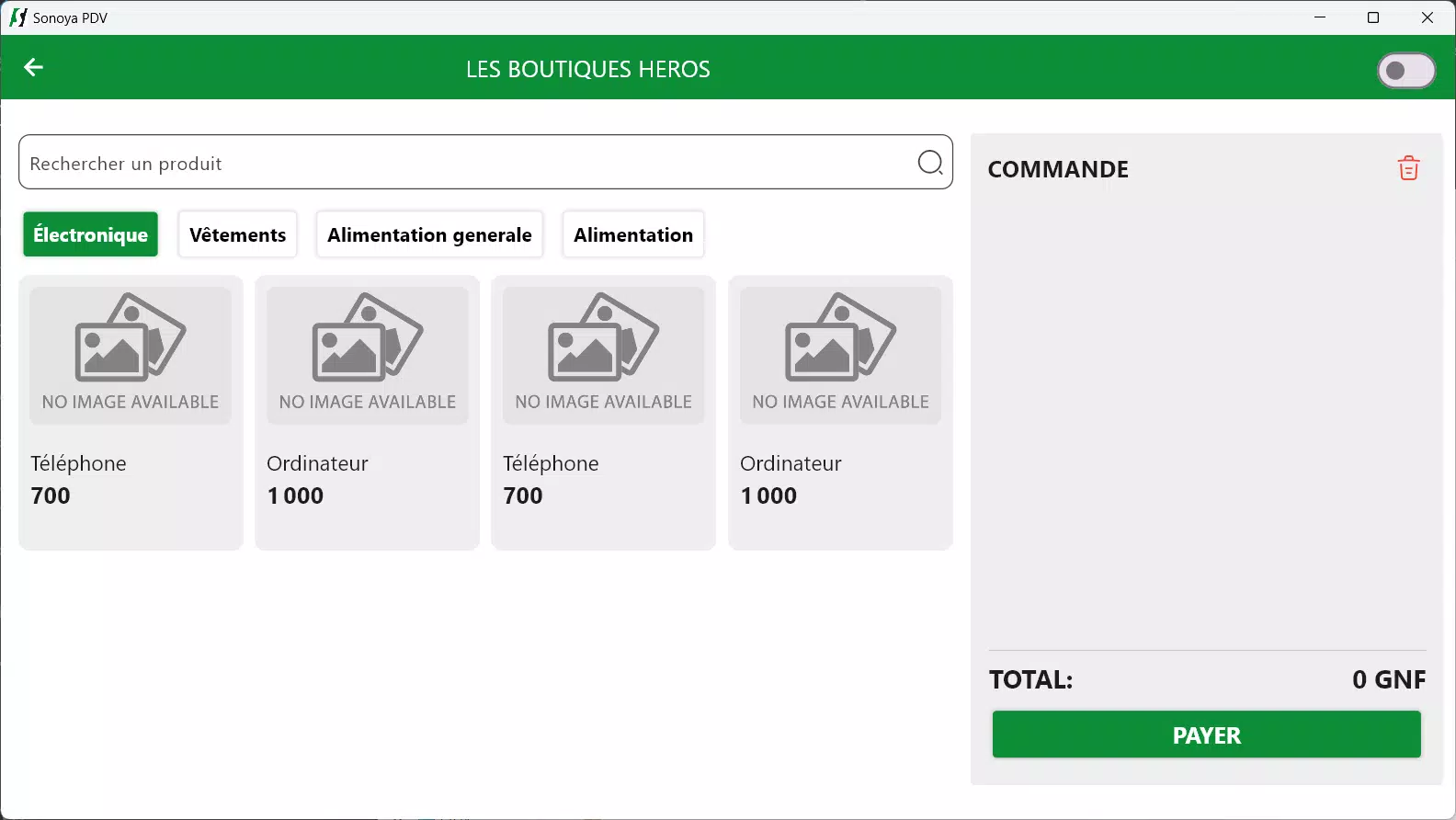
- Efficient Sales Management: The app allows businesses to process sales transactions rapidly and accurately, minimizing delays at checkout. This feature supports multiple payment types and reduces the risk of human error during data entry, contributing to faster service and higher customer satisfaction.
- Real-Time Inventory Tracking: Users can monitor stock levels as transactions occur, enabling proactive restocking and reducing the likelihood of stockouts or overstocking. This dynamic tracking helps maintain optimal inventory turnover and supports better supply chain coordination.
- User-Friendly Interface: Designed with simplicity in mind, the interface supports quick navigation and minimal training time for new staff. Its intuitive layout allows employees to perform core tasks—such as adding items, applying discounts, and generating receipts—without extensive onboarding.
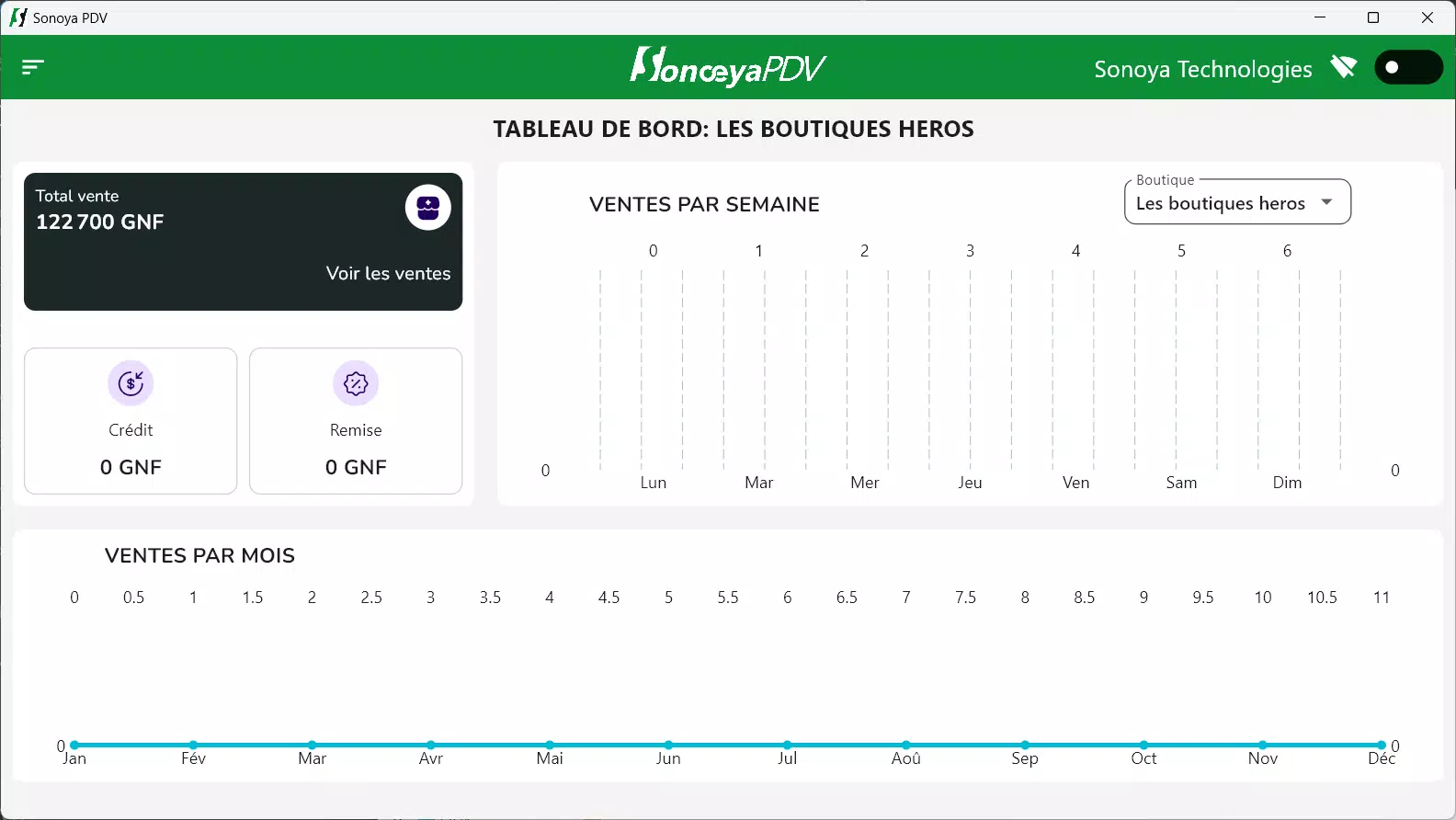
- Insightful Business Analytics: The software provides tools for analyzing sales trends and customer behavior over time. These insights can inform pricing strategies, promotional planning, and product assortment decisions, empowering business owners to make data-driven choices.
For example, a retail shop owner can use the analytics feature to identify peak sales hours and adjust staffing accordingly. Similarly, a café manager can track which menu items are most popular and adjust inventory orders to match demand. These practical applications demonstrate how Sonoya POS supports both daily operations and long-term business growth.
Interface, UX & Performance
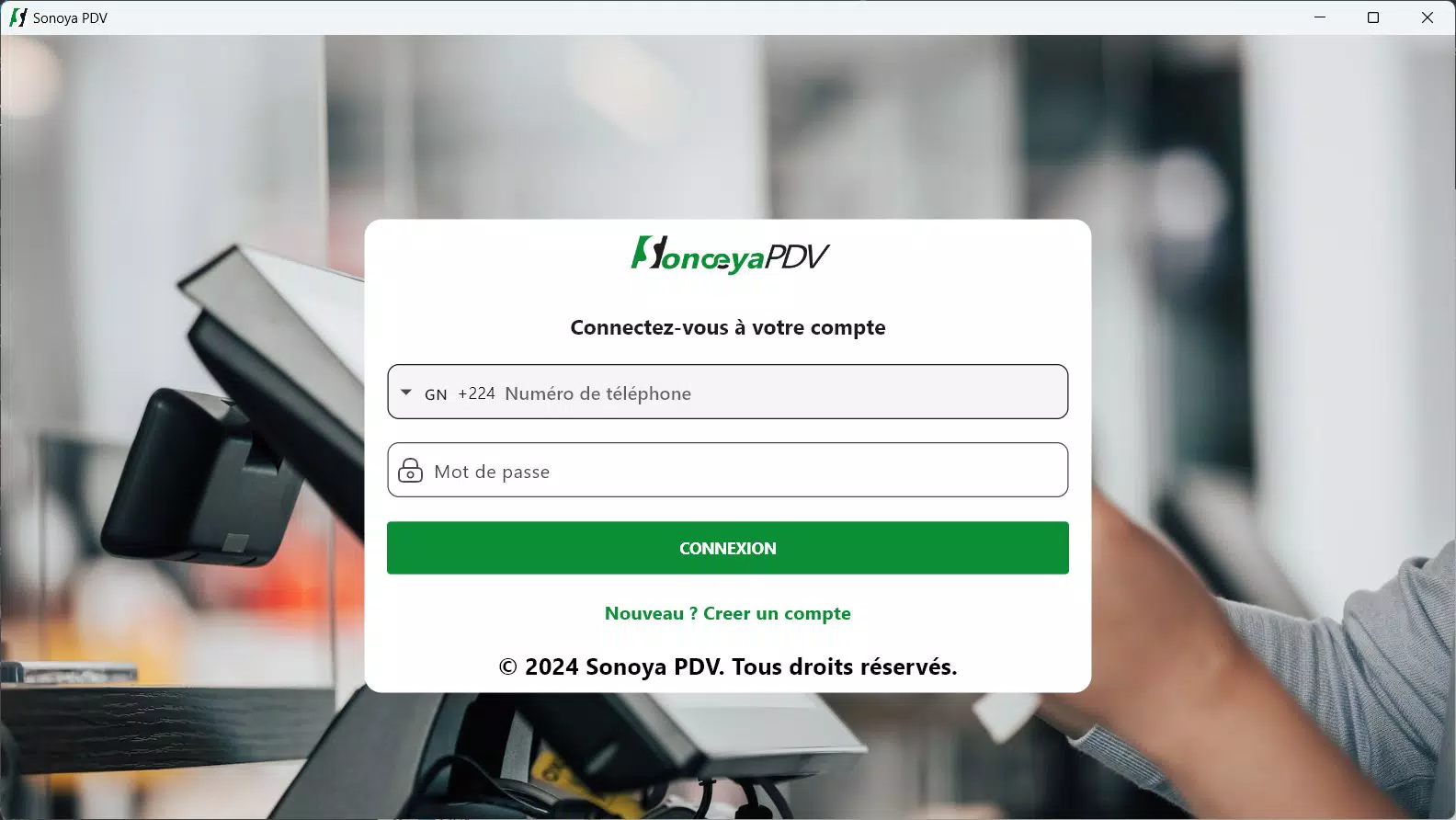
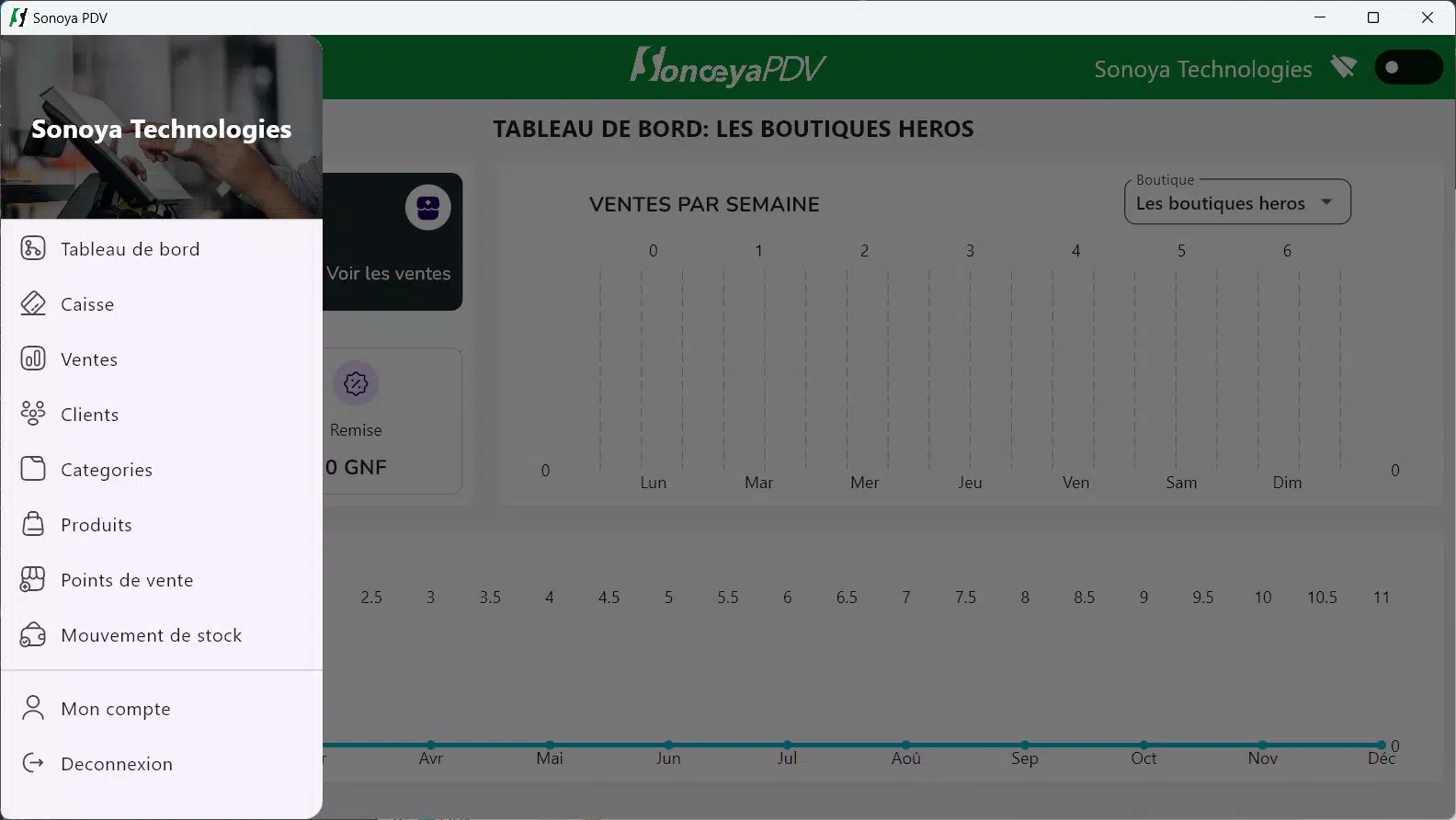
The user interface of Sonoya POS reflects a clean, modern design with a focus on usability. Navigation is structured around core functions—sales, inventory, reports—ensuring that users can access essential tools with minimal effort. The layout prioritizes readability, with clear labels, consistent iconography, and logical grouping of related actions. This contributes to a smooth onboarding experience, particularly for staff with limited technical experience.
Although the developer did not list formal performance metrics, the app’s lightweight size of 32.8 MB suggests optimized resource usage. It is expected to run efficiently on a range of Android devices, including mid-tier smartphones and tablets commonly used in retail settings. Responsiveness appears to be a priority, as the app supports real-time updates during transactions and inventory changes. Stability is likely maintained through regular updates, though specific details were not disclosed. Overall, the user experience emphasizes speed, clarity, and reliability, which are critical in fast-paced business environments.
Platform Compatibility & Technical Requirements
Sonoya POS is available exclusively on the Android platform. The current version is 1.0.2, with a file size of 32.8 MB. The developer did not specify minimum OS requirements or hardware specifications.
Compatibility information was not fully disclosed, so users should ensure their device meets standard Android system standards for app installation and operation. The app is free to download and install, making it accessible to budget-conscious businesses seeking a no-cost entry point into digital POS solutions. It is designed to function on smartphones and tablets, though specific device models were not listed.
Pros and Cons
Pros
- Free to download and use, reducing initial setup costs
- Lightweight design (32.8 MB) ensures quick installation and minimal storage usage
- Real-time inventory tracking supports accurate stock management
- Intuitive interface reduces training time for new employees
- Offers analytics tools to support data-driven business decisions
Cons
- Specific OS version requirements were not listed
- Developer did not provide information on device compatibility beyond Android
- No details on cloud sync or backup functionality
- Limited information on multi-location or team management features
- Updates and support channels were not specified
FAQ
Is Sonoya POS safe to use on my Android device?
Yes, Sonoya POS is designed for Android and is available through official distribution channels. As a free app, it does not require payment during installation. Users should ensure they download from trusted sources to maintain device security.
Can I use Sonoya POS on multiple devices?
The app is compatible with Android smartphones and tablets. However, the developer did not specify whether multi-device synchronization or shared account access is supported.
Does Sonoya POS support offline mode?
Information about offline functionality was not provided. The app’s real-time inventory and reporting features suggest online connectivity may be required for full functionality.
How often is Sonoya POS updated?
Regular updates are likely to improve performance and add features, but the developer did not disclose a specific update schedule.
Is Sonoya POS suitable for small businesses?
Yes, the app is designed to meet the needs of small to medium-sized enterprises in retail and service industries. Its lightweight nature and free pricing make it accessible for startups and small operations.
Final Thoughts
Sonoya POS presents a compelling option for businesses seeking a straightforward, affordable, and functional point of sale system. With its emphasis on real-time inventory tracking, efficient sales processing, and accessible analytics, it addresses core challenges faced by retail and service providers. The app’s clean interface and minimal learning curve make it ideal for teams with limited technical expertise.
While some details about compatibility, updates, and advanced features remain unclear, the foundational tools are well-suited for day-to-day operations. For entrepreneurs looking to digitize their sales process without a significant investment, Sonoya POS offers strong value. Its free model and focus on usability position it as a practical entry-level solution in the growing mobile POS market.
Download Sonoya POS now


